In this article, we’ll break down what these modules actually do, how they save time, where they fall short, and how to decide if one is right for your business.
What Is a 1 Stream Panel WHMCS Billing Module?
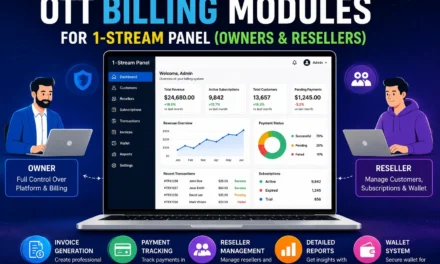
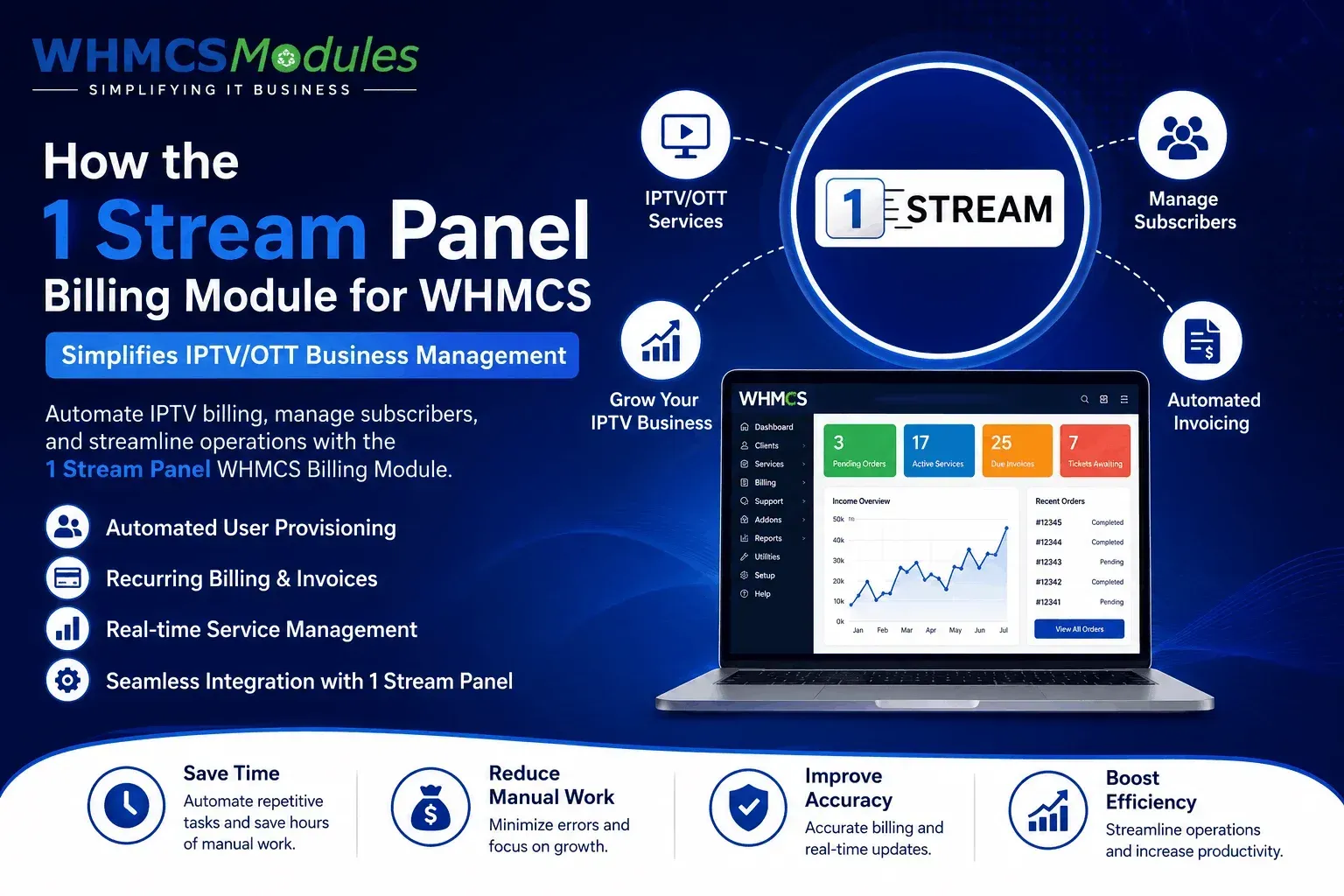
A 1 Stream Panel WHMCS billing module is a plugin that connects your 1 Stream Panel (an IPTV/OTT reseller panel used to manage subscriber lines, credits, and playlists) directly to WHMCS, the billing and client management platform many hosting and subscription businesses use.
In simple terms: WHMCS handles the money — invoices, payments, renewals, and client accounts. 1 Stream Panel handles the service — activating a line, assigning credits, and controlling access. The module is the bridge between the two, so when a customer pays, their IPTV line gets created or renewed automatically, without you touching either system manually.
Why This Matters for IPTV/OTT Resellers
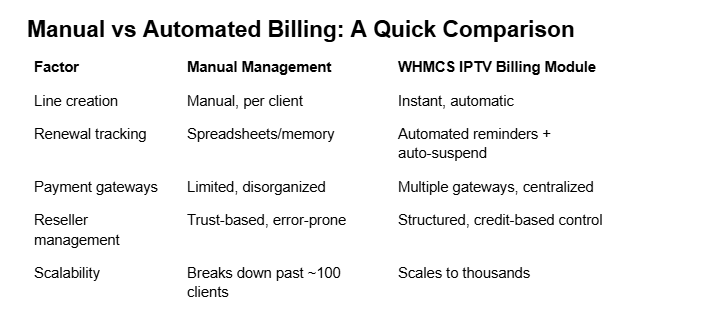
Most IPTV resellers start out doing everything manually — logging into the panel, generating a line, then separately sending the customer an invoice or payment link. This works fine with 10 customers. It becomes unmanageable at 200.
How These Modules Actually Save Time
1. Automated Account Provisioning
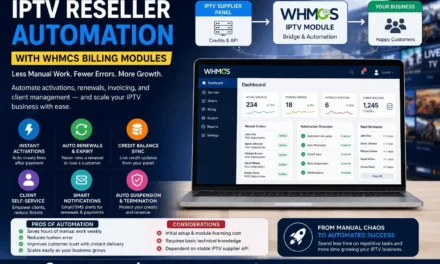
The moment a customer’s payment clears in WHMCS, the module triggers 1 Stream Panel to create their line automatically — no admin login required. This alone removes what is often the single biggest bottleneck for growing resellers.
2. Automatic Suspension and Termination
When a subscription lapses or a customer cancels, the module suspends or removes the corresponding line in the panel. You don’t need a spreadsheet or a daily manual check to see who’s overdue — the system handles it on its own.
3. Renewal Handling Without Manual Follow-Up
Recurring billing in WHMCS combined with the module means renewals happen quietly in the background. Customers get invoiced, pay, and their service continues — no emails back and forth, no manual credit top-ups.
4. Fewer Human Errors
Manual provisioning means typos, wrong package assignments, or forgetting to suspend a non-paying account. Automation removes most of that risk simply by taking the human step out of the loop.
5. Centralized Client Management
Instead of maintaining customer records in two disconnected places, WHMCS becomes the single source of truth — support tickets, invoices, and service status all live in one dashboard.
Pros of Using a Billing Module
- Saves several hours weekly, especially as your customer base grows
- Reduces missed renewals and revenue leakage from forgotten suspensions
- Gives customers a professional, self-service experience
- Frees you up to focus on marketing and support instead of admin work
Cons and Honest Limitations
- Initial setup requires some technical comfort (API keys, configuration)
- A module is only as reliable as the panel’s API — downtime on either side can cause sync issues
- Not all modules support every 1 Stream Panel feature (like advanced credit management), so it’s worth checking feature parity before buying
- Ongoing updates are needed if WHMCS or the panel changes its API structure
Real-World Example
A mid-sized IPTV reseller managing around 300 active subscriptions manually spent close to 10–12 hours a week just on account creation and suspension follow-ups. After integrating a WHMCS billing module with their panel, that dropped to under 2 hours a week — mostly spent on support tickets rather than routine provisioning. This kind of time reclaim is common once the manual, repetitive steps are automated.
Choosing the Right Module
Before buying any 1 Stream Panel WHMCS module, check:
- Does it support automatic provisioning and suspension, not just one?
- Is it actively maintained and compatible with the current WHMCS version?
- Does it offer client-area self-service (like package upgrades)?
- Is support available if something breaks?
FAQs
Is a WHMCS module necessary for a small IPTV business?
Not strictly — if you have under 20–30 customers, manual management is workable. But most resellers find it pays off well before they reach 100 clients.
Does automation remove the need for customer support?
No. Automation handles provisioning and billing; support tickets, troubleshooting, and customer questions still need a human.
Can I switch panels later without losing WHMCS data?
Your client and billing data stays in WHMCS regardless of the panel module used — only the provisioning integration changes.
Final Thoughts
Manual IPTV billing works until it doesn’t. A WHMCSModules isn’t a magic fix, but it removes the repetitive, error-prone parts of running a subscription business — provisioning, suspension, and renewals — so you can spend that time on growth instead of admin.