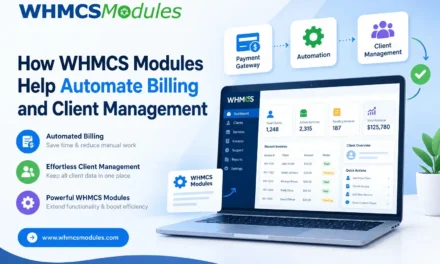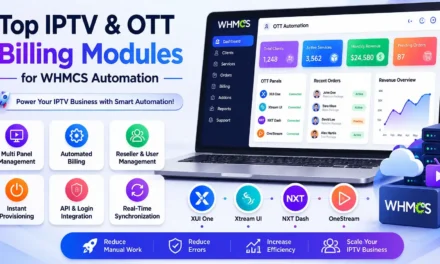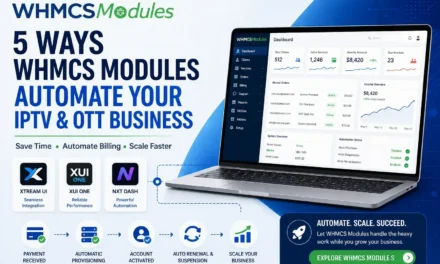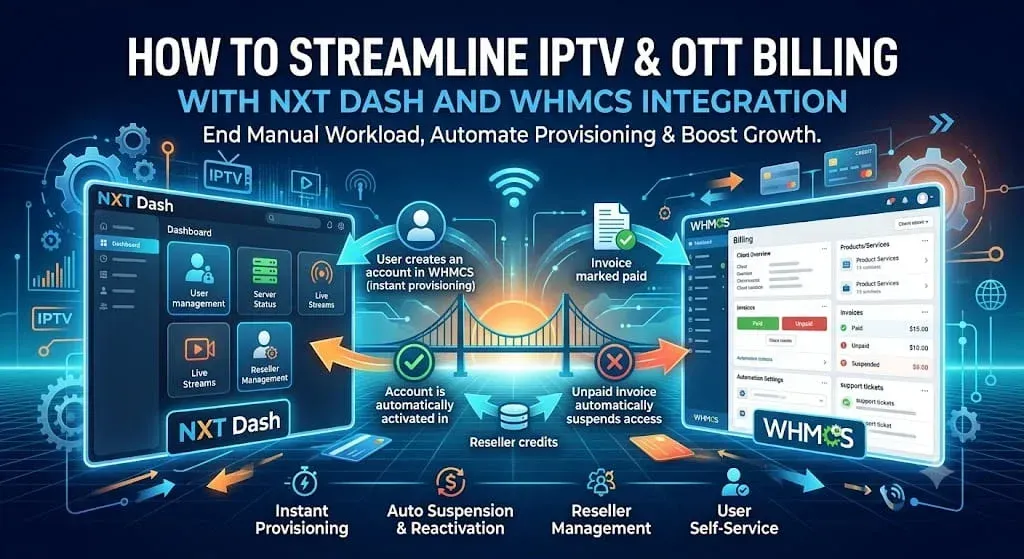
If you’re running an IPTV or OTT service on NXT Dash, chances are billing is one of the most time-consuming parts of your day. Creating accounts by hand, chasing down unpaid invoices, suspending non-paying customers, and keeping resellers organized can eat up hours that would be better spent growing the business. Integrating NXT Dash with WHMCS solves this by connecting your panel directly to your billing system, so the two work together automatically instead of requiring separate manual steps.
Here’s how that integration actually streamlines your operations, and what to expect if you’re considering setting it up.
The Problem with Manual IPTV Billing
Without an integration, a typical subscription lifecycle looks something like this: a customer pays, you log into NXT Dash and create their account by hand, you note the renewal date somewhere, and later you have to remember to suspend the account if they don’t pay again — then reverse that if they do. Multiply this across dozens or hundreds of subscribers and resellers, and the process becomes unsustainable. Mistakes creep in: accounts stay active after non-payment, new customers wait longer than they should for access, and support tickets pile up for basic changes like updating a MAC address.
What Integration Changes
Connecting NXT Dash to WHMCS through a billing module removes these manual steps by tying account status directly to invoice status.
Instant account provisioning. As soon as a customer’s payment clears in WHMCS, their account is created in NXT Dash automatically — no waiting on a team member to log in and set it up.
Automatic suspension and reactivation. If an invoice goes unpaid, the account is suspended without anyone having to check a spreadsheet or set a reminder. Once the customer pays, access is restored just as automatically.
Clean cancellations and terminations. When a subscription ends or a customer cancels, the account is removed from NXT Dash in step with WHMCS, so you’re not left with orphaned accounts still consuming resources.
Self-service for customers. Rather than opening a support ticket to change a password or update a MAC address, customers can manage these details themselves from the WHMCS client area. This alone can significantly cut down on routine support requests.
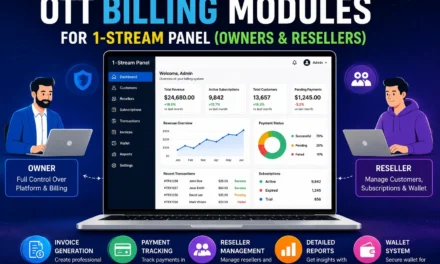
Centralized reseller management. For businesses that sell through resellers, the integration lets you manage reseller accounts, allocate and sell credits, and let resellers create their own services — all inside WHMCS, rather than switching between two separate systems.
Why This Matters for Growth
The real value of automation shows up as your business scales. A manual process that’s manageable at 20 subscribers becomes a liability at 500. Integration keeps your operational overhead flat even as your customer base grows, which means you can take on more subscribers and resellers without needing to proportionally grow your admin team.
There’s also a revenue protection angle. Automated suspension means you’re not accidentally providing free service to customers who haven’t paid. And instant provisioning means new customers get access right away, which matters for retention a customer who has to wait hours for their account is more likely to ask for a refund or leave a bad review before they’ve even tried the service.
What You Need Before Getting Started
To integrate NXT Dash with WHMCS, you’ll need a working WHMCS installation and an active NXT Dash panel. From there, a billing module acts as the bridge between the two, handling the automation described above. Providers typically start with a free trial to confirm the integration fits their existing setup before rolling it out to their live customer base.
Final Thoughts
Billing shouldn’t be the bottleneck in an IPTV or OTT business but without integration between your panel and your billing platform, it often becomes exactly that. Connecting NXT Dash with WHMCS Modules turns account provisioning, suspension, termination, and reseller management into a single automated workflow, freeing you up to focus on growing your subscriber base instead of managing it by hand.