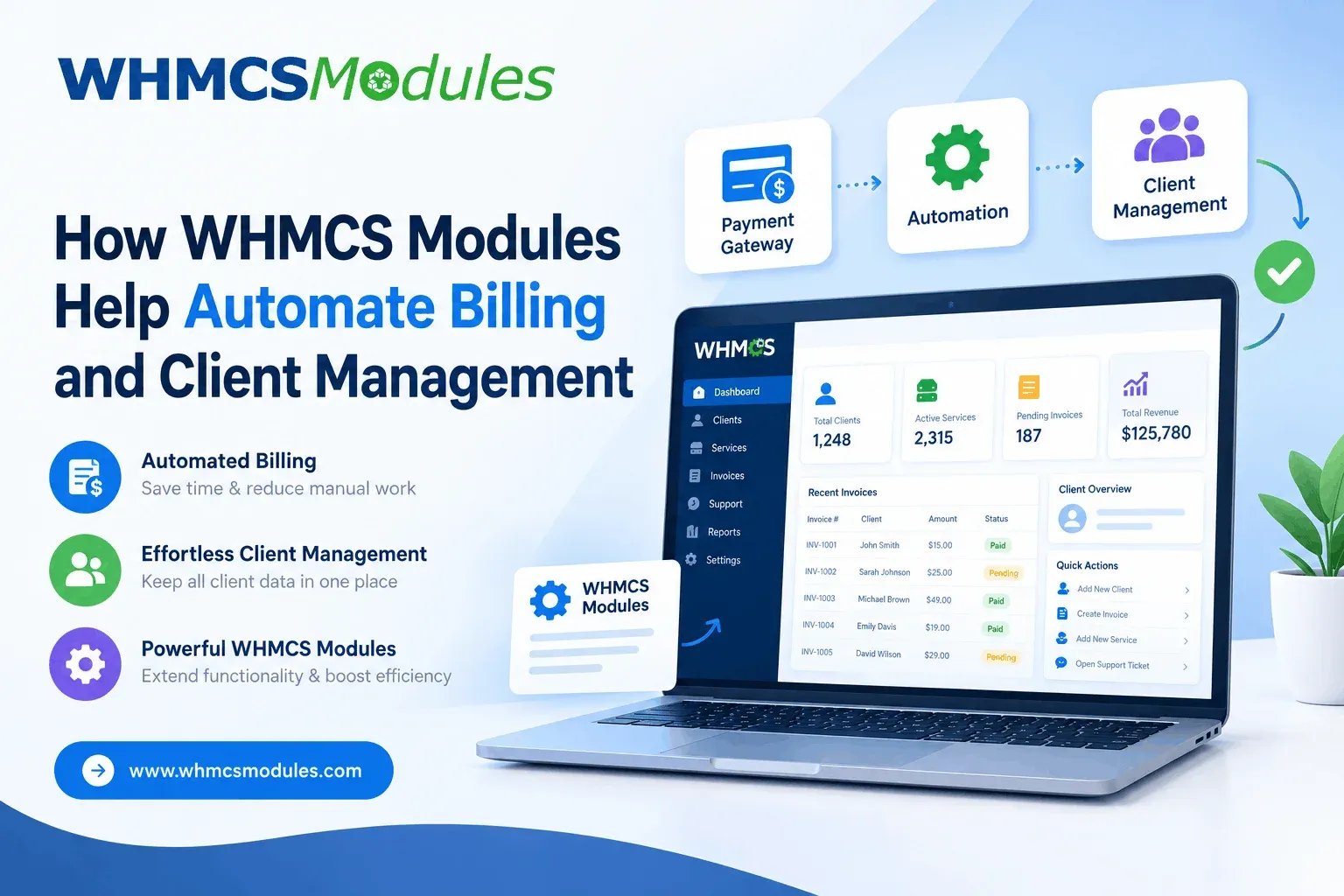
If you run a hosting company, a domain reselling business, or any subscription service, you know the pain. Invoices need sending, payments need matching, accounts need activating, and support tickets keep arriving. Doing this by hand works for ten clients. At a hundred, it eats your day.
This is where WHMCS modules come in. This guide explains what they are, how they automate billing and client management, and what to watch out for before you install them.
What Is WHMCS and What Are WHMCS Modules?
WHMCS is a billing and automation platform used widely by web hosts and IT service providers. It handles invoicing, client accounts, support tickets, and product management in one dashboard.
WHMCS modules are add-ons that extend what the platform can do. Think of WHMCS as a smartphone and modules as apps. The core system gives you the basics, and modules connect it to payment gateways, servers, domain registrars, and other tools.
Most modules fall into three groups:
- Provisioning modules: create and manage hosting accounts automatically.
- Payment gateway modules: collect payments through services like PayPal, Stripe, or Razorpay.
- Addon and utility modules: add features like reports, SMS alerts, or tax tools.
How WHMCS Modules Automate Billing
Billing is where automation saves the most time. Here is what a well-configured setup can do without you touching anything.
Automatic Invoicing and Reminders
WHMCS generates invoices before each renewal date and emails them to clients. If payment is late, it sends reminders on a schedule you set. This alone cuts the manual follow-ups that drain small teams.
Payment Gateway Integration
A gateway module lets clients pay by card, UPI, net banking, or wallet, depending on the provider. The payment is recorded against the invoice automatically, so no one has to match transactions in a spreadsheet.
For Indian businesses, this matters. Many providers need GST-compliant invoices and local payment options, and modules built for these needs save a lot of manual work.
Recurring Billing and Auto-Suspension
Modules can charge clients automatically each cycle. If an invoice stays unpaid past a set date, the system can suspend the service, and it reactivates the account once payment arrives.
How WHMCS Modules Improve Client Management
Billing is only half the story. Clients also expect fast setup and quick answers.
Instant Account Provisioning
With a provisioning module for cPanel, Plesk, or a cloud platform, a client’s hosting account is created within moments of payment. Without it, someone has to log in to the server and set it up by hand, which can mean hours of waiting for the customer.
Support and Communication Tools
Modules can connect support tickets to client records, so your team sees billing history and active services in one place. Some add SMS or WhatsApp notifications, which many clients now prefer over email.
Self-Service Client Area
A good client portal lets customers pay invoices, upgrade plans, and renew domains on their own. Fewer routine requests means your support team can focus on real problems.
A Simple Real-World Example
Imagine a small hosting reseller with 200 clients. Before automation, the owner spends about two hours a day sending invoices, checking payments, and creating accounts. After setting up gateway, provisioning, and reminder modules, most of that work runs on its own. The owner now checks exceptions, like failed payments, instead of handling every transaction. (This is an illustrative scenario, and actual savings depend on your setup.)
Pros and Cons of Using WHMCS Modules
Pros
- Saves hours of repetitive admin work
- Reduces human errors in invoices and payments
- Speeds up service delivery
- Scales as your client base grows
- Large choice of modules for different needs
Cons
- Poorly coded or outdated modules can cause bugs or security risks
- Too many modules can slow down your system
- Some modules need technical knowledge to configure
- Compatibility issues can appear after WHMCS updates
Official, Third-Party, or Custom Modules?
Alternatives like Blesta or ClientExec also offer billing automation, but WHMCS has a larger module ecosystem, which gives you more ready-made options.
How to Choose the Right WHMCS Module
Before installing anything, check these points:
- Compatibility with your WHMCS and PHP version
- Update history: active developers fix bugs and security issues
- Reviews and support quality
- Security practices: never install nulled or pirated modules, as they often hide malware
- Documentation: clear guides make setup much easier
Always test on a staging site first and back up your data before going live.
Final Thoughts
WHMCS modules turn a basic billing system into a hands-off business engine. Start with the essentials, such as a payment gateway, provisioning, and reminders. Add more only when you have a clear need. Choose carefully, keep everything updated, and you will spend less time on admin and more time growing your business.