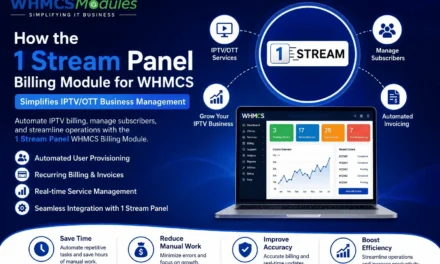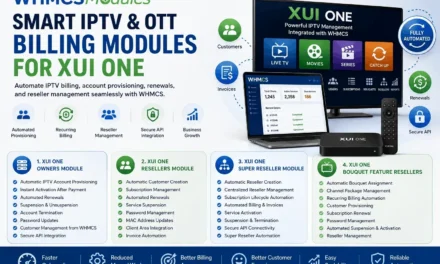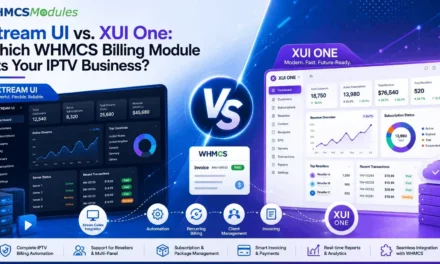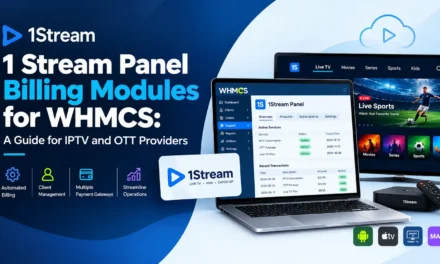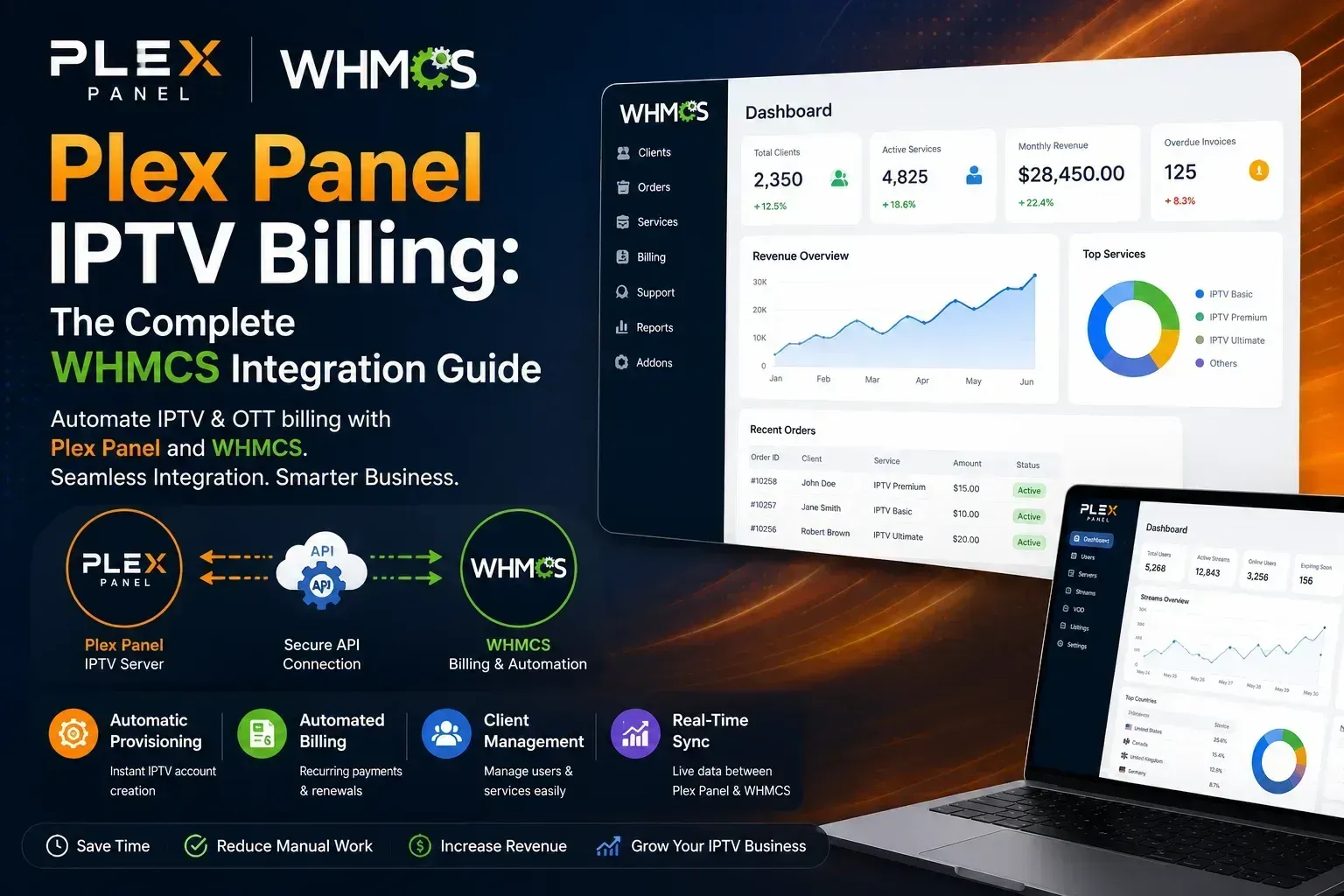
Ever wonder why some IPTV resellers seem to run their business effortlessly while others are buried in spreadsheets and renewal reminders? The difference usually comes down to one thing: billing automation. Plex Panel handles the technical side of streaming just fine, but without the right billing setup, resellers end up stuck creating credentials by hand and chasing payments manually, a problem that gets worse with every new customer.
This guide breaks down what Plex Panel OTT Billing Modules actually means, how WHMCS integration solves the problem, and what to look for before you commit to a module.
What Is Plex Panel and Why Does Billing Matter?
Plex Panel is a reseller and management panel used widely in the IPTV and OTT industry to handle subscriber lines, credits, and streaming access. It’s popular because it’s fast and reliable for provisioning but on its own, it isn’t built to handle recurring payments, invoicing, or customer self-service.
That’s where billing automation comes in. Without it, a reseller has to:
- Manually create user credentials after every payment
- Track expiry dates in spreadsheets
- Send renewal reminders one by one
- Manually suspend or extend accounts
For a business with 50 subscribers, this is tedious. For a business with 500 or 5,000, it’s simply not sustainable.
What Is WHMCS and How Does It Fit In?
WHMCS is billing and client management software originally built for web hosting companies, but it has become a standard backbone for IPTV and OTT resellers too. It handles invoicing, payment gateways, client portals, and automated order provisioning.
On its own, WHMCS has no idea what Plex Panel is. It needs a connector, a module that translates a WHMCS order into an action inside Plex Panel, like creating a line, extending a subscription, or suspending access on non-payment.
How the Integration Works, Step by Step
- A customer places an order or renews through the WHMCS client portal.
- WHMCS confirms payment via the connected gateway (Stripe, PayPal, crypto, etc.).
- The module sends an API call to Plex Panel to create, extend, or reactivate the subscriber’s line.
- On non-payment, WHMCS automatically triggers suspension in the Plex Panel.
- The customer sees their credentials and expiry date directly in their WHMCS client area.
No manual work. No spreadsheets. No missed renewals.
Benefits of Automating Plex Panel Billing with WHMCS
- Instant provisioning — customers get access within seconds of payment, which reduces support tickets and improves trust.
- Automated suspension and termination — stops revenue leakage from non-paying accounts.
- Multiple payment gateways — supports cards, PayPal, and crypto, which matters a lot in the IPTV space where chargebacks are a real concern.
- Client self-service — subscribers can renew, view invoices, and manage their own accounts without emailing support.
- Scalability — the same workflow works whether you have 20 customers or 20,000.
Common Challenges (and What to Watch For)
Not every WHMCS-Plex Panel module is built the same. Some things worth checking before buying:
- Sync reliability — does the module correctly reflect line status changes in both directions, or only one way?
- Reseller credit handling — if you buy credits in bulk from your Plex Panel provider, does the module track and deduct them accurately?
- Update support — IPTV panels change their APIs occasionally; a module that isn’t maintained will eventually break.
- Documentation and support — this matters more than people expect, especially during initial setup.
A poorly built module can cause double billing, failed provisioning, or credentials that don’t match invoices — all of which damage customer trust fast.
For anyone running IPTV as a side hustle with a dozen clients, manual billing might still work. But the moment renewals start eating your evenings, automation pays for itself.
Choosing the Right IPTV Billing Module for Plex Panel
When evaluating providers including options like the Plex Panel for OTT Billing Modules from WHMCS Modules compare them on real criteria: API stability, credit sync accuracy, gateway support, and how often the module receives updates. Ask for a demo before committing, and check whether support is responsive during setup, since that’s usually when things break.
FAQs
Does WHMCS work with every IPTV panel?
No. WHMCS needs a specific module built for each panel’s API. A module built for Plex Panel won’t work with a different provisioning system.
Can I automate suspensions for unpaid invoices?
Yes, this is one of the core benefits — WHMCS can trigger automatic suspension and reactivation in Plex Panel based on payment status.
Is WHMCS overkill for a small IPTV reseller?
Not necessarily. Even with 20–30 customers, automated renewals save meaningful time and reduce billing mistakes.
Do these modules support crypto payments?
Most modern IPTV billing modules support crypto gateways alongside cards and PayPal, since crypto is common in this industry.