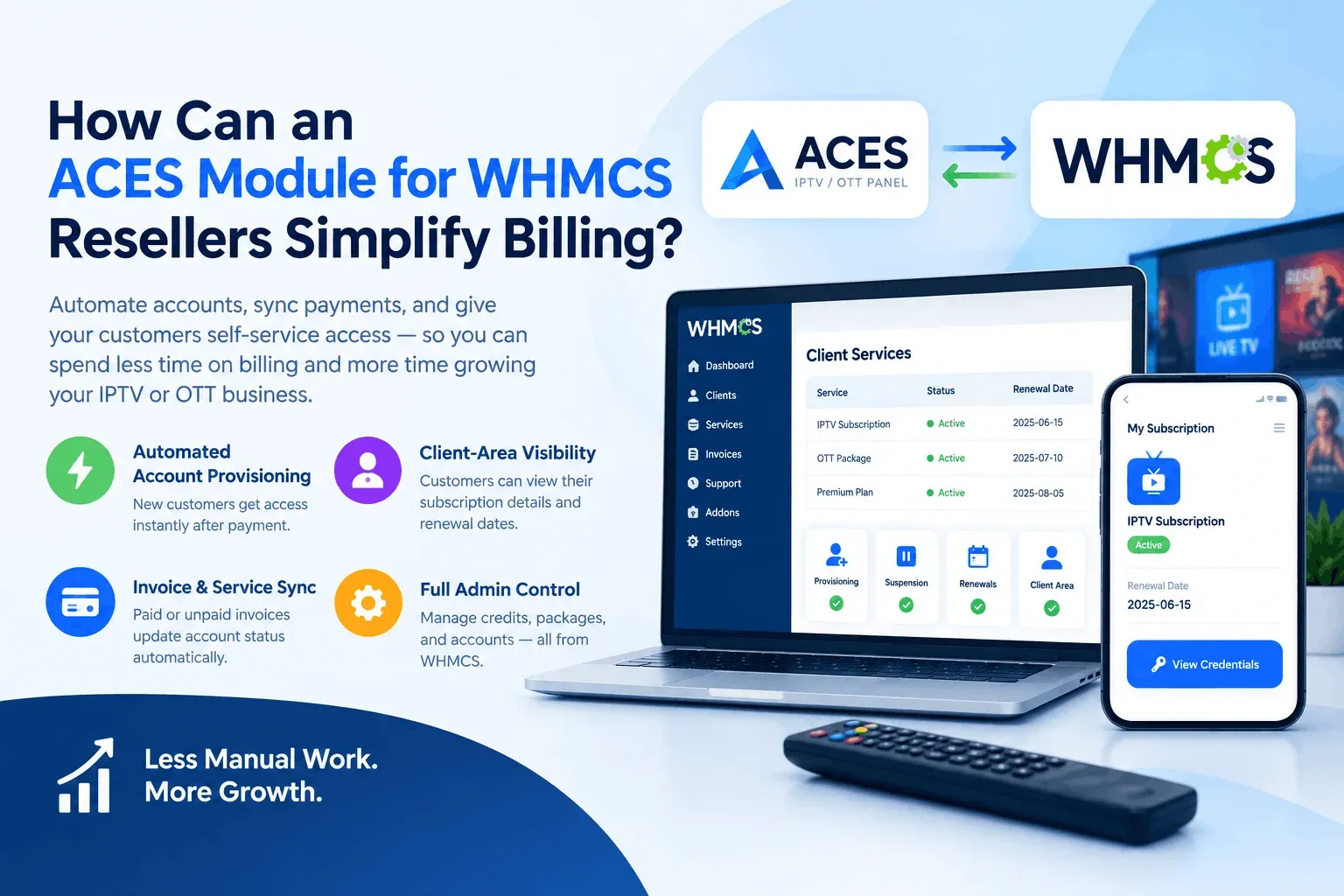
If you run an IPTV or OTT reselling business on the ACES panel, you already know that billing is where most of the daily headache lives, not the streaming, not the content, but the invoices, renewals, and manual account updates. This is exactly the gap an ACES Module for WHMCS is built to close. In this guide, we’ll break down what the module actually does, where it helps most, and what to weigh before you add one to your setup.
What Is the ACES Panel, and Why Does Billing Get Complicated?
ACES is a reseller panel used by IPTV and OTT providers to manage subscriber accounts, credits, and streaming access. On its own, ACES handles the technical side of service delivery well. What it doesn’t do is talk directly to your invoicing system.
That means a reseller running ACES without any integration typically has to:
- Manually create a customer account in ACES after a sale
- Track which invoice belongs to which subscription
- Manually suspend or renew accounts when payments come in (or don’t)
- Cross-check credit balances by hand
For a handful of customers, this is manageable. For a growing reseller business with dozens or hundreds of active subscribers, it turns into a full-time job and a source of billing mistakes that cost you money and customer trust.
What Does a WHMCS Module for ACES Actually Do?
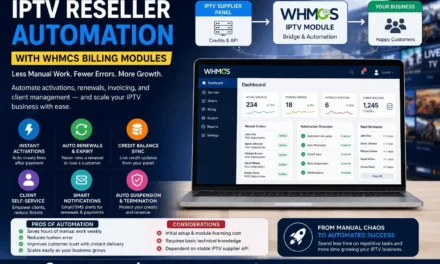
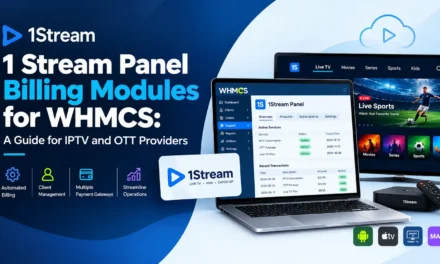
WHMCS is one of the most widely used billing and client-management platforms for online businesses, handling everything from checkout to support tickets. A WHMCS module for ACES resellers acts as a bridge between the two systems, so an action in WHMCS triggers the matching action in ACES automatically.
Core Functions You Should Expect
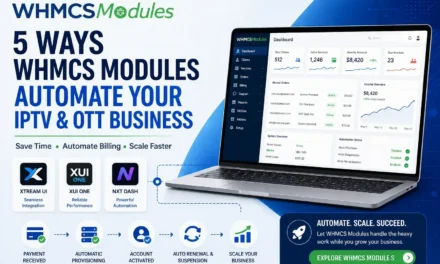
- Automated account provisioning — when a customer pays, their ACES account is created without manual input
- Sync between invoice status and service status — unpaid invoices can trigger suspension; paid ones trigger reactivation
- Client-area visibility — customers can view their subscription details, credentials, or renewal dates from their WHMCS account
- Admin-side control — resellers can manage credits, packages, and account status from the WHMCS admin panel instead of switching between two dashboards
Why This Matters for Day-to-Day Operations
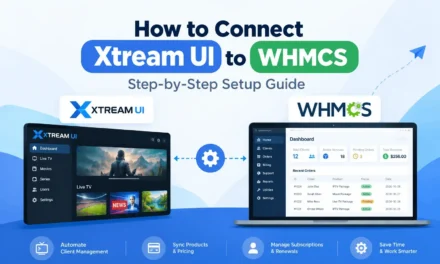
The real value isn’t the automation itself it’s what that automation frees up. Instead of spending an hour a day manually processing renewals, a reseller can spend that time on customer acquisition or support quality. This is the same logic that has pushed automation adoption across IPTV resale generally, as similar modules for panels like Xtream UI and XUI One have shown over the past few years.
Manual Billing vs. Module-Based Billing: A Fair Comparison
Neither approach is universally “correct” it depends on your business size and risk tolerance.
Manual billing
- Pros: No setup cost, full control over every account, no dependency on third-party software
- Cons: Time-consuming, error-prone at scale, harder to track payment history accurately, poor customer experience for renewals
Module-based billing (via WHMCS + ACES module)
- Pros: Saves hours weekly, reduces human error, gives customers self-service visibility, scales without adding staff
- Cons: Requires an upfront setup and sometimes a licensing cost, adds a dependency on the module staying updated with ACES and WHMCS versions
A Practical Example
Picture a reseller managing 150 active IPTV subscribers on ACES without automation. Even at a conservative 3–4 minutes per account for renewal checks, that’s roughly 8–10 hours a month spent purely on account admin before support tickets or sales work. With billing tied directly to account status through a module, that time drops close to zero, since renewals and suspensions happen automatically based on payment.
What to Check Before Choosing a Module
Not all integrations are built the same way, so it’s worth confirming a few things before you commit:
- Does it support the specific ACES panel version you’re running?
- Does it handle both provisioning and suspension, or only one direction?
- Is client-area access included, or admin-only?
- What’s the update and support policy if ACES or WHMCS pushes a new version?
Final Thoughts
Billing automation isn’t just a convenience for IPTV resellers on ACES; it’s often the difference between a business that can scale past a few dozen customers and one that stays capped by manual work. An ACES Module for WHMCS handles the repetitive, error-prone parts of account management so you can focus on growing the business itself.
If you’re evaluating this kind of integration, WHMCS Modules offers an ACES-compatible solution built specifically for IPTV and OTT resellers worth a look if manual billing has started to slow you down.