
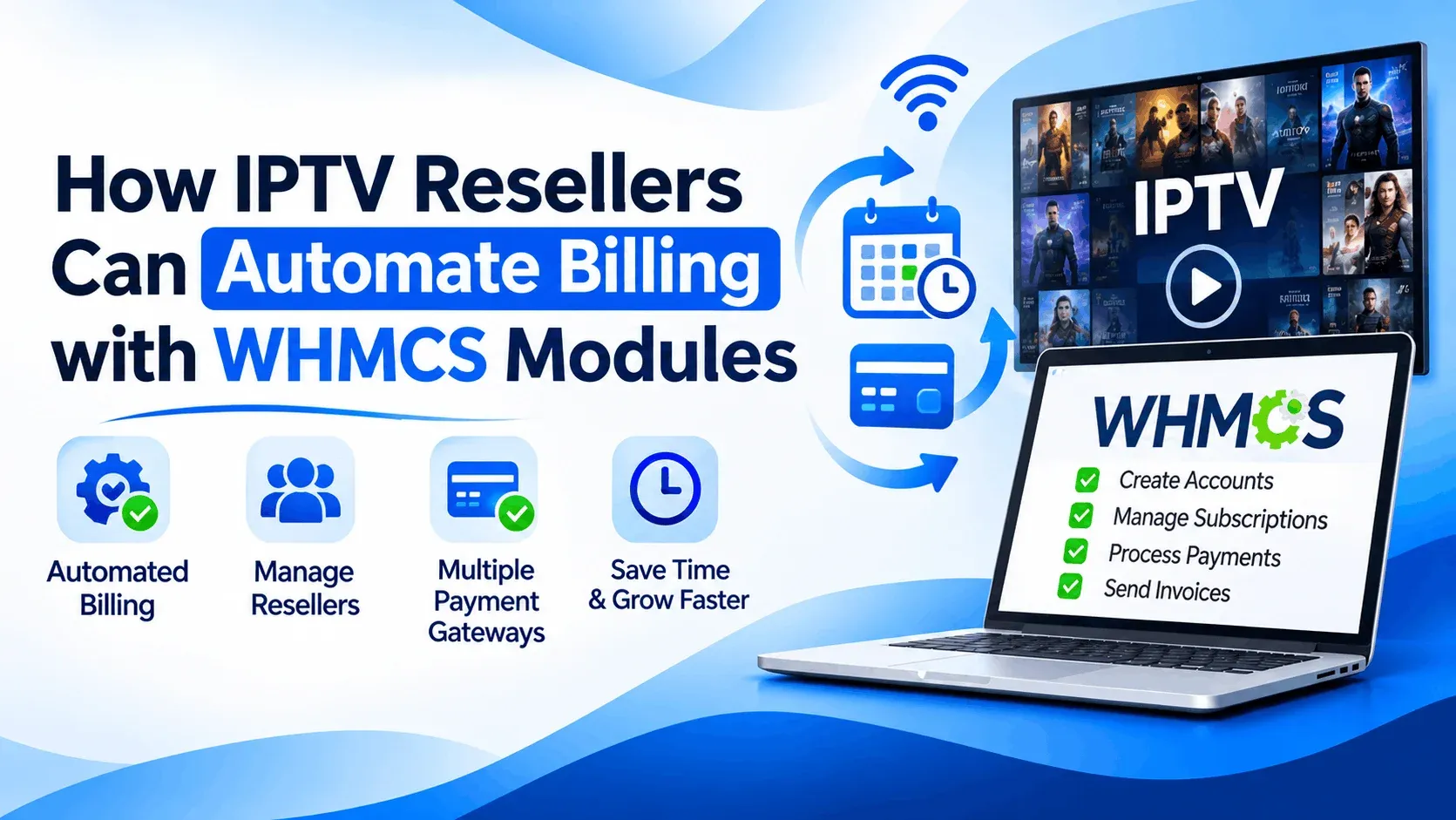
Every IPTV reseller knows the routine. A customer messages at 11 pm asking to renew. Another forgot to pay last week. A third wants a trial. Handling this by hand eats hours, and mistakes creep in. WHMCS Modules can take most of that work off your plate. This guide explains what they are, how they work, and how to pick the right setup.
What Are WHMCS Modules?
WHMCS is a billing and client management platform. It creates invoices, collects payments, runs a customer portal and handles support tickets.
WHMCS modules are add-ons that extend it. A provisioning module connects WHMCS to another system, such as an IPTV panel. A gateway module connects it to a payment provider. Without a module, WHMCS only bills. With one, it can also act on your panel.
Why IPTV Resellers Struggle with Manual Billing
Most resellers start with a spreadsheet, WhatsApp chats and bank or wallet transfers. That works for a handful of customers. As you grow, problems pile up:
- Renewals are missed, so customers leave without warning
- Payments are hard to match to the right account
- Lines stay active after expiry, or get cut early by mistake
- You answer the same questions about prices and due dates every day
- There is no clean record if a customer disputes a payment
Time is the biggest cost. If each renewal takes five minutes and you handle 200 a month, that is over 16 hours of repeat work.
How Billing Automation Works
Here is the usual flow when you connect an IPTV panel to WHMCS through a module:
- The customer picks a plan on your order page.
- They pay through a gateway such as PayPal, Stripe or a local option.
- WHMCS confirms payment and sends a command to your panel.
- The module creates the line and emails the login details.
- Before expiry, WHMCS sends a renewal invoice.
- If the invoice stays unpaid, the line is suspended automatically.
You only step in when something unusual happens.
Types of WHMCS Modules IPTV Resellers Use
Provisioning Modules
These create, renew, suspend and terminate lines in your panel. This is the core of automation.
Payment Gateway Modules
These let customers pay by card, wallet or bank transfer. Check which gateways allow your business type, since some providers restrict streaming services.
Reseller Credit Modules
If you buy credits from a supplier or sell them to sub-resellers, these track balances and deductions.
Notification Add-ons
These send expiry reminders by email or SMS, which helps reduce churn.
Key Features to Look For in WHMCS Modules
Not all modules are equal. Compare them on:
- Panel compatibility: does it support your exact panel and version?
- Package mapping: can you link each WHMCS product to a panel package?
- Trial handling: can customers request a short trial without manual setup?
- Client area details: can customers see their line information themselves?
- Error logs: can you trace a failed command quickly?
- Updates and support: is the developer active, and is documentation clear?
Pros and Cons of Automating with WHMCS Modules
| Pros | Cons | |
| Automation | Saves hours, fewer errors, professional look, scales easily | Setup time, licence cost, needs updates |
| Manual billing | Cheap to start, flexible | Slow, error-prone, hard to grow |
Automation is not free of risk. A badly mapped product can give customers the wrong plan, and a failed API call can leave a paid customer without service. That is why testing matters.
A Simple Real-World Example
Imagine a reseller with 150 customers on monthly plans. Before automation, they spend about 12 hours a month on renewals and chasing late payers. After setting up provisioning and automatic invoices, most customers renew on their own. The reseller now handles only exceptions, perhaps two or three hours a month. The numbers vary from business to business, but the pattern is common: less repetitive work and fewer missed renewals.
Best Practices Before You Go Live
- Test everything on a staging site first
- Back up WHMCS and your panel before installing anything
- Restrict API access by IP and use strong passwords
- Set a clear grace period and reminder schedule
- Write simple terms covering refunds and expiry
A Word on Compliance
Billing tools are neutral, but the content you sell must be properly licensed. Payment providers and hosts can suspend accounts that deal in unauthorised content, so confirm your rights before scaling.
Choosing a Provider
Several developers offer WHMCS modules for IPTV panels. Compare features, update history, documentation and user reviews. Providers such as WHMCS Modules are one option to evaluate alongside others.
Final Thoughts
Automating billing is one of the most practical upgrades an IPTV reseller can make. The right WHMCS Modules save time, reduce errors and give customers a smoother experience. Start small, test carefully, and expand as your business grows.

